






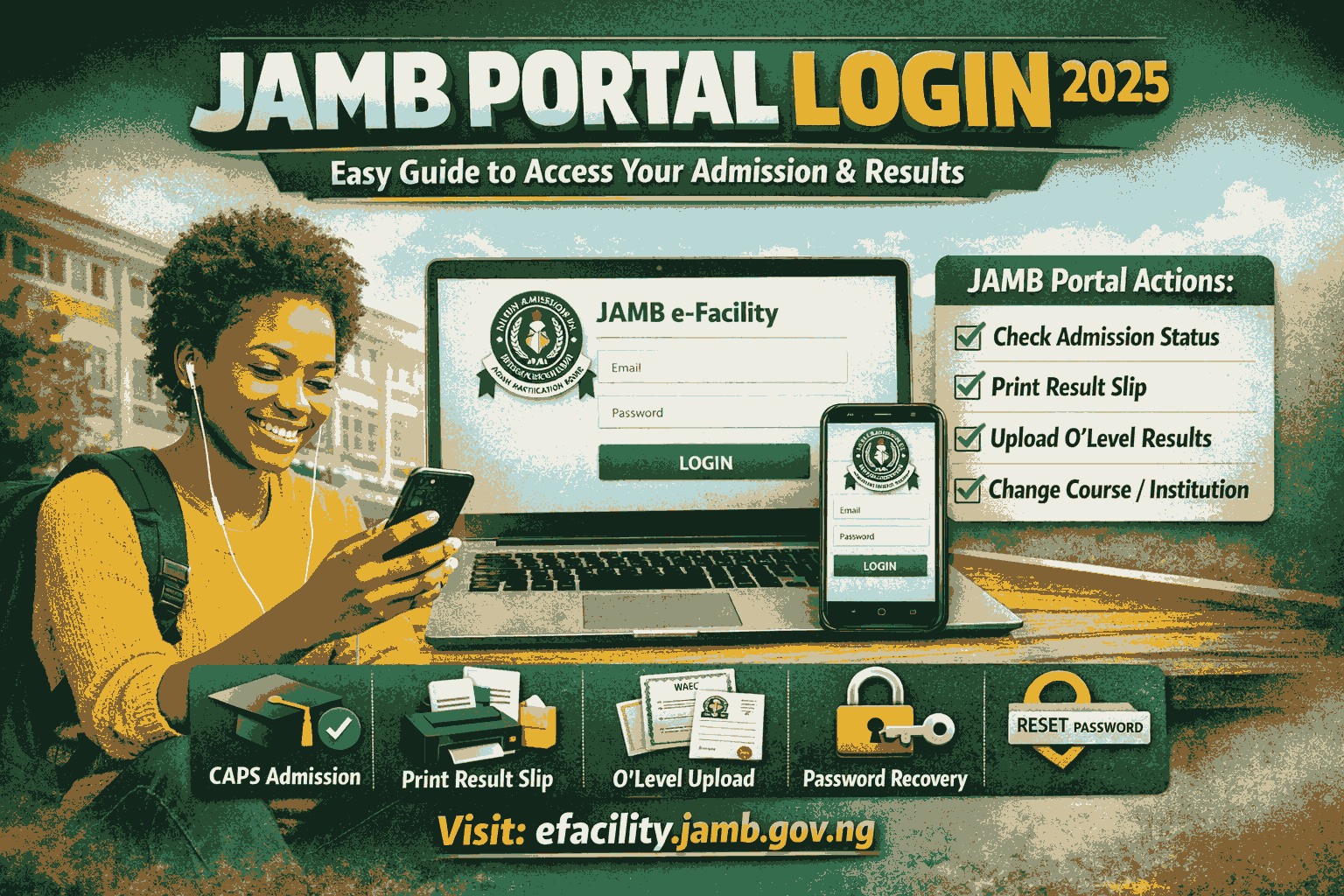
If you are a Nigerian student preparing for UTME, Direct Entry, or admission into a tertiary institution, JAMB portal login is the most important digital gateway you must master. From checking your admission status to printing your JAMB result slip, correcting data, and uploading O’level results, everything now happens through the JAMB portal login system.
Millions of candidates across Nigeria rely on JAMB portal login every year to access their academic future. Yet many students still struggle with logging in, password issues, profile errors, and missing admission updates.
What Is JAMB Portal Login?
JAMB portal login is the official online access system created by the Joint Admissions and Matriculation Board (JAMB) for candidates to manage their examination and admission processes.
Through JAMB portal login, candidates can:
- Register for UTME or Direct Entry
- Check admission status
- Print JAMB result slips
- Upload O’level results
- Accept or reject admission
- Correct biodata
- Track CAPS admission
- Print admission letters
The official website for JAMB portal login is:
👉 https://efacility.jamb.gov.ng
Once you successfully use JAMB portal login, you gain access to your JAMB e-facility dashboard, which contains all your academic records.
Why JAMB Portal Login Is Extremely Important
Your JAMB portal login is your digital identity in Nigeria’s admission system.
Without successful JAMB portal login, you cannot:
- Accept admission on CAPS
- Print admission letter
- Confirm admission
- Register in school
- Apply for NYSC later
Many students lose admission yearly simply because they failed to use JAMB portal login correctly.
That is why understanding JAMB portal login is as important as writing the UTME itself.
Requirements for JAMB Portal Login
Before you can use JAMB portal login, you must have:
- Email address used during JAMB registration
- JAMB password
- JAMB Registration Number
- Internet-enabled phone or computer
If you lost your password, do not worry. The JAMB portal login system allows password recovery.
How to Do JAMB Portal Login (Step-by-Step Guide)
Follow these steps carefully to access JAMB portal login:
Step 1
Visit the official JAMB portal:
👉 https://efacility.jamb.gov.ng
Step 2
Click on “Login”
Step 3
Enter:
- Your email address
- Your password
Step 4
Click Login
Once successful, you will be taken to your JAMB profile dashboard.
This dashboard is where all JAMB portal login activities happen.
What to Do If JAMB Portal Login Fails
Many candidates experience login issues. Here are common JAMB portal login problems and solutions.
Wrong Email or Password
Click “Forgot Password” and reset it through your email.
Email Not Found
Use the same email you used during JAMB registration.
CAPTCHA Error
Reload the page and try again.
Network Error
Switch to a stronger internet connection.
90% of JAMB portal login issues are caused by wrong email or password.
What You Can Do After JAMB Portal Login
After successful JAMB portal login, you can:
1. Check Admission Status
Go to CAPS and see if you have been offered admission.
2. Accept or Reject Admission
You must accept your offer through JAMB portal login before it is valid.
3. Print Admission Letter
Schools require the JAMB admission letter for clearance.
4. Upload O’level Results
WAEC, NECO, or NABTEB results must be uploaded via JAMB portal login.
5. Change Course or Institution
You can make corrections through JAMB portal login.
How to Check Admission Using JAMB Portal Login
Here is how to check admission through JAMB portal login:
- Log into JAMB portal login
- Click CAPS
- Click Check Admission Status
- Click Accept or Reject
If you do not accept, the school cannot proceed with your admission.
How to Print JAMB Result Slip via JAMB Portal Login
To print your result slip:
- Log into JAMB portal login
- Click Print Result Slip
- Pay the required fee
- Download and print
This document is needed for admission screening.
How to Recover JAMB Portal Login Password
If you forgot your password:
- Go to https://efacility.jamb.gov.ng
- Click Forgot Password
- Enter your registered email
- Check your email for reset link
Never use cyber café emails for JAMB portal login.
JAMB Portal Login for Direct Entry Candidates
Direct Entry candidates also use JAMB portal login to:
- Upload transcripts
- Track admission
- Accept admission
- Print admission letter
Without JAMB portal login, Direct Entry admission cannot be processed.
Common Mistakes Students Make With JAMB Portal Login
Avoid these mistakes:
- Using wrong email
- Not accepting CAPS admission
- Not uploading O’level
- Losing password
- Paying fraudsters
Always use the official JAMB portal login website.
JAMB Portal Login and CAPS Explained
CAPS means Central Admission Processing System.
CAPS works inside JAMB portal login.
CAPS ensures:
- Fair admission
- No manipulation
- Real-time admission tracking
If your CAPS status says “Admission in Progress”, be patient.
Can I Use JAMB Portal Login on My Phone?
Yes. JAMB portal login works perfectly on:
- Android
- iPhone
- Laptops
- Tablets
Just make sure you have stable internet.
Best Time to Use JAMB Portal Login
The best time to use JAMB portal login is between:
- 12am – 7am
- Or late night
Traffic is low and the portal works faster.
Conclusion
The JAMB portal login is not just a website. It is your gateway to university, polytechnic, or college of education admission in Nigeria. Every serious candidate must understand how to use JAMB portal login properly.
From checking admission to printing result slips and accepting CAPS offers, JAMB portal login controls everything. Master it, and you take control of your academic future.
Also Read: JAMB 2026 Ultimate Guide: Everything You Need to Know to Succeed in JAMB 2026
Frequently Asked Questions (FAQs)
FAQ 1: What is the official JAMB portal login website?
The official JAMB portal login website is https://efacility.jamb.gov.ng
FAQ 2: Can I accept admission without JAMB portal login?
No. You must use JAMB portal login and CAPS to accept your admission.
FAQ 3: Is JAMB portal login free?
Login is free. Some services like printing result slip require small payments.











+ There are no comments
Add yours